
Looking to ditch those pressure chart recorders for testing various types of pipeline? Turn on the data-logging feature with any Vaetrix ETG Series gauge with the Bluetooth option and download the Vaetrix Data Director app for a complete pressure logging solution.
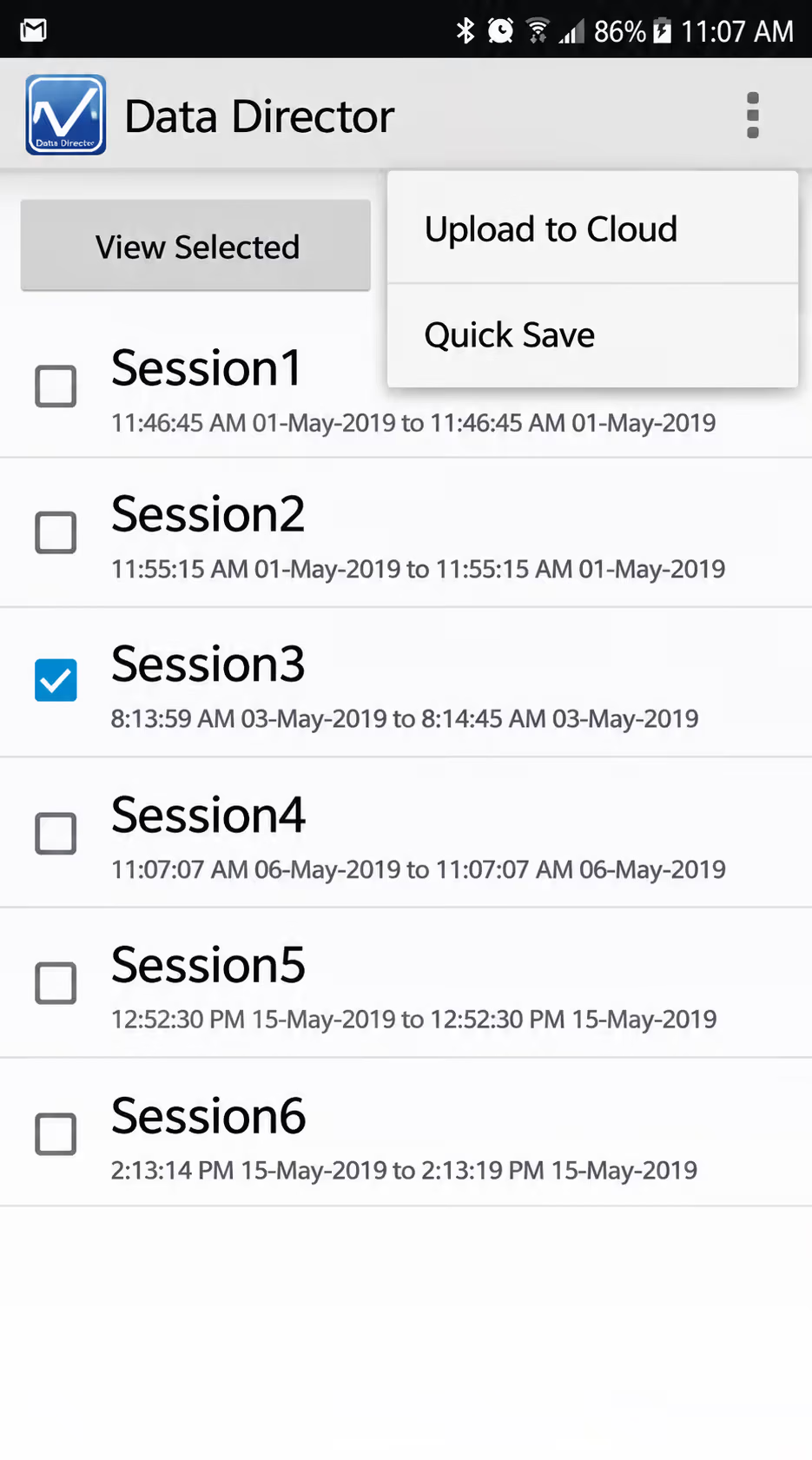
Vaetrix Data Director is a free application designed to help you manage data logging files from your phone or tablet. No need to run the gauge back to the shop to download the results or lug a PC around in the field. With just three taps in the app, you download the files from the gauge and save them to your phone or the cloud using the Apple application. There is no subscription fee, and the only thing you need is a Google or Gmail account. For best results, we recommend installing the Google Drive and Sheets apps on your Apple device. Send links to files or create a .pdf file straight from your phone via email.
Android version currently under development for uploading files to Google Drive. Works with all ETG gauge units that do not have the TP option enabled.

Key Features
- Start/Stop/Configure up to 200 test sessions from your phone or iPad
- View the pressure graph to detect trends with the ability to zoom
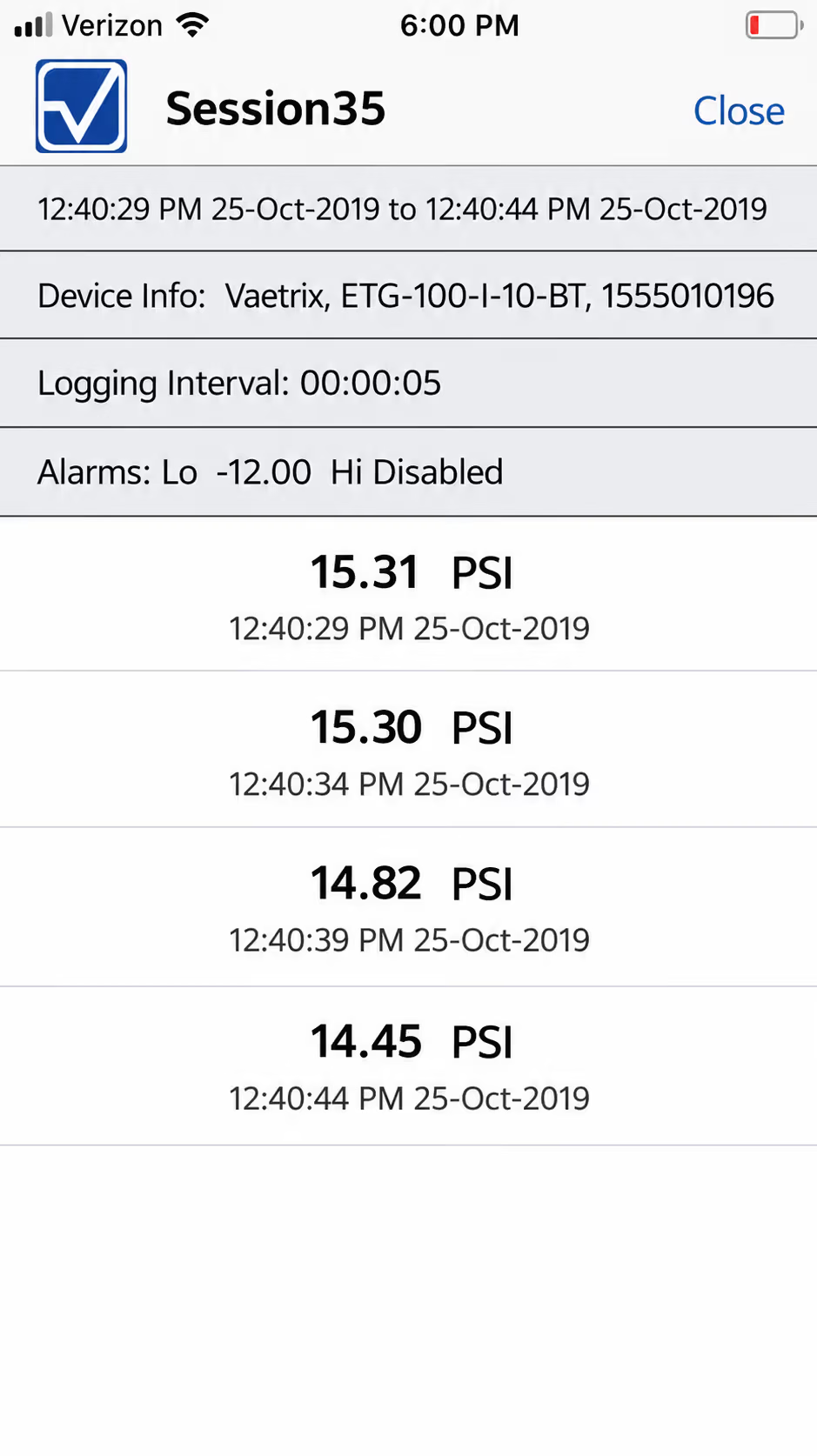
- View each pressure data point taken with date/time stamp
- Set up high and low alarms to trigger data logging sessions automatically
- Upload results directly to the cloud in seconds
- Share .pdf files in the field for management approval, or share links to the file
Remote Gauge does not currently work with the ambient temperature option (-TP). Upgrade to the Hydro App. Always enable Location Services on install.
Image Gallery
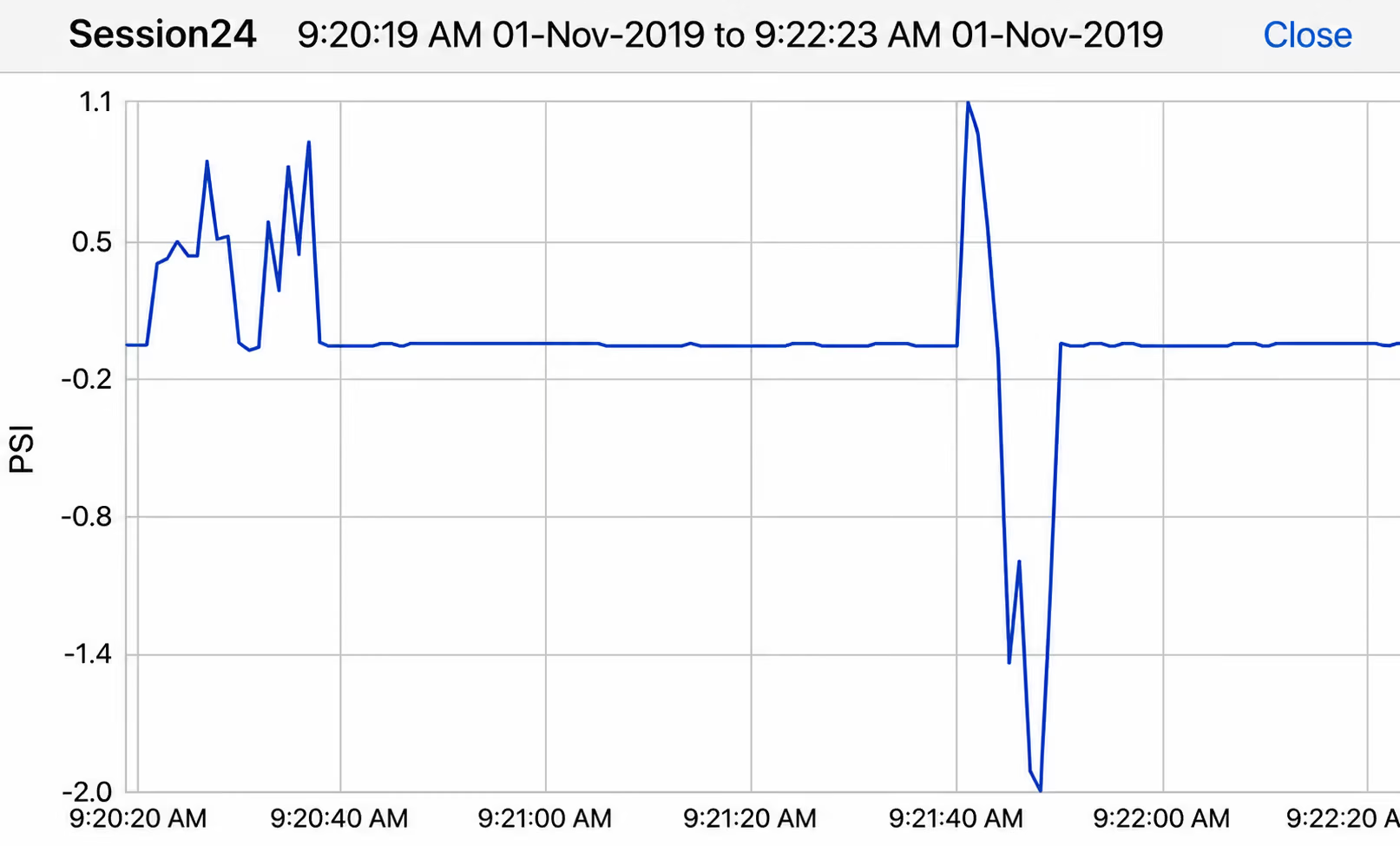
Detect Trends
Verify your test results in the field and share them instantly, including the graph and individual points with date/time stamp for further evidence or validation. No need to scan a paper chart and upload it to a computer. Send a .pdf file directly from your phone or tablet to management for approval.
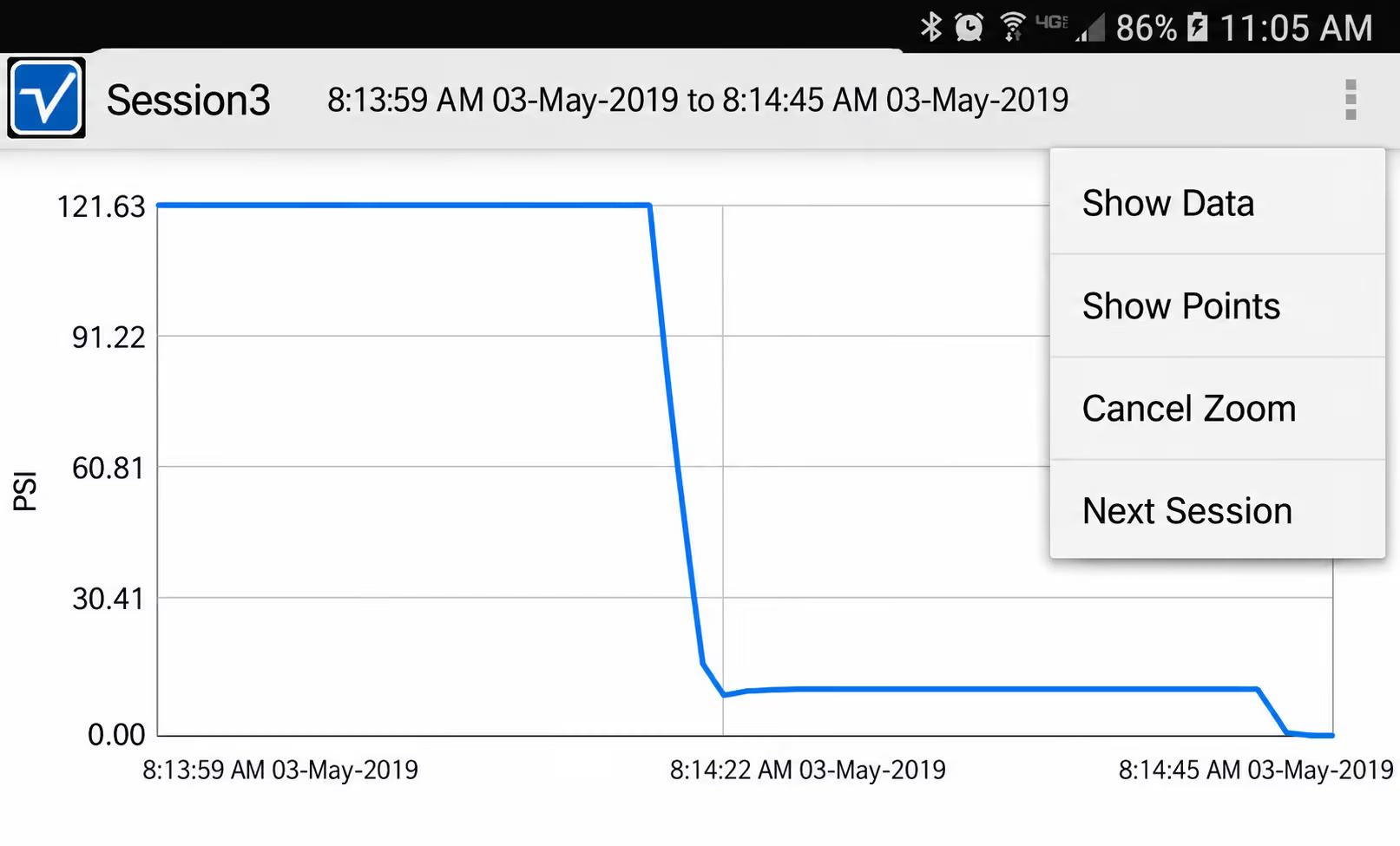
Select Options
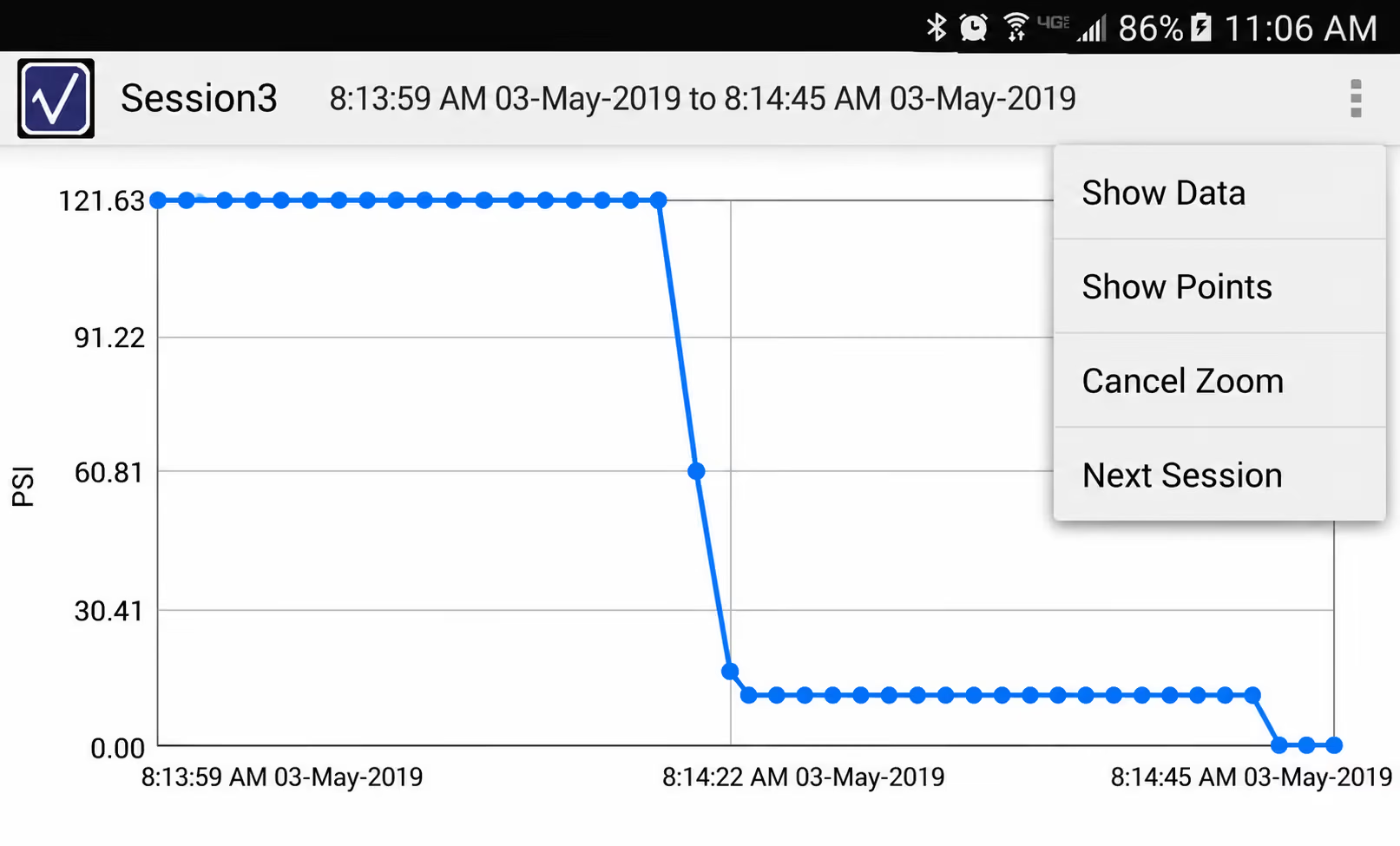
Easily flip to the raw pressure data or the points on the graph, return to the big picture, or see the next session without going back to the menu.
Data Points
Show data points on the graph and zoom in for detail. The graph is placed in landscape mode for optimum viewing on phones or tablets.